Whatsapp Tamil Font
Create stylish Tamil text for Whatsapp that you can copy and paste instantly.
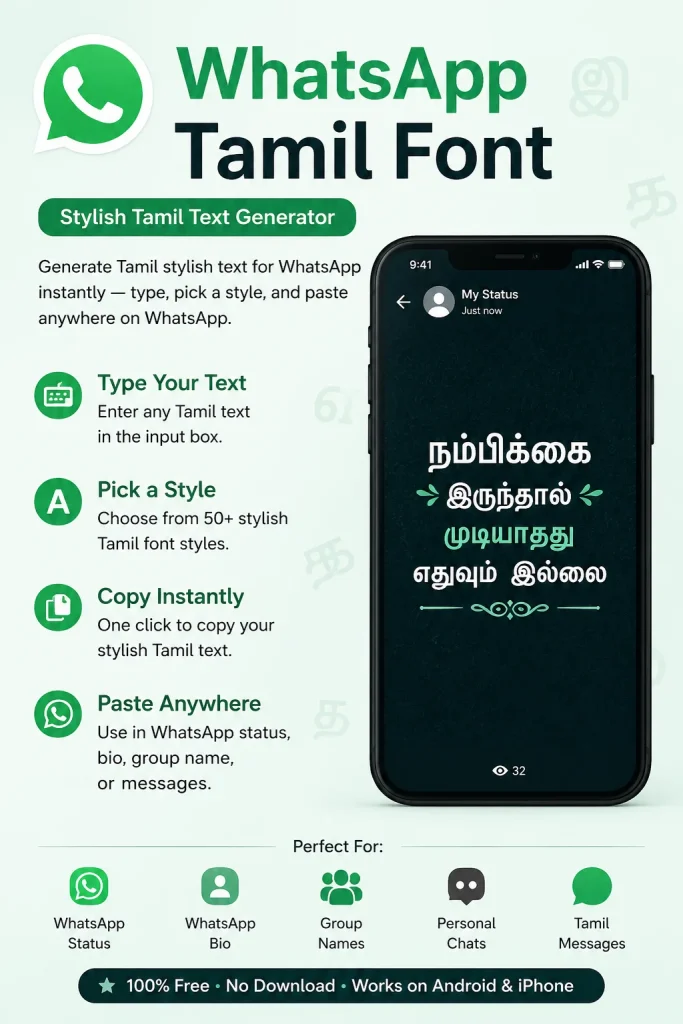
Generate Tamil stylish text for WhatsApp instantly — type your text, pick a style, and paste it directly into your WhatsApp status, bio, group name, or messages.
Your Tamil text deserves better than plain. If your status looks like everyone else’s — same font, same style, same forgettable look — this free tool changes that. Convert simple Tamil text into stylish Unicode variations that feel personal, expressive, and eye-catching — in seconds.
Why Your WhatsApp Status Looks Plain — And How to Fix It in 30 Seconds
Most Tamil WhatsApp users type their status in standard text. It works, but it disappears into a list of identical-looking updates.
The problem is not what you are writing. It is how it looks when someone reads it.
Tamil stylish text solves this by converting your normal Tamil characters into Unicode-formatted variations — decorated styles that WhatsApp already supports natively. No font file is involved. No installation happens on your device. You are simply using a different set of Unicode characters that renders as styled text everywhere.
The result:
| What You Type | What It Becomes |
|---|---|
| தமிழன் | ✦ தமிழன் ✦ |
| வாழ்க்கை | ⚡ வாழ்க்கை ⚡ |
| அன்பு | ♡ அன்பு ♡ |
| நண்பன் | ★ நண்பன் ★ |
Same words. Completely different visual impact.
What Exactly Is Tamil Stylish Text — And Why Does It Work on WhatsApp?
Tamil stylish text is Unicode-formatted Tamil — standard Tamil characters combined with decorative Unicode symbols, spacing adjustments, and character variations that display correctly on any modern device.
Here is the technical reason it works without any installation:
WhatsApp renders text using your device’s default Unicode engine. Since Unicode is a global standard supported by every modern phone — iPhone, Android, Windows Phone — styled Unicode Tamil text displays correctly for both the person sending it and the person receiving it.
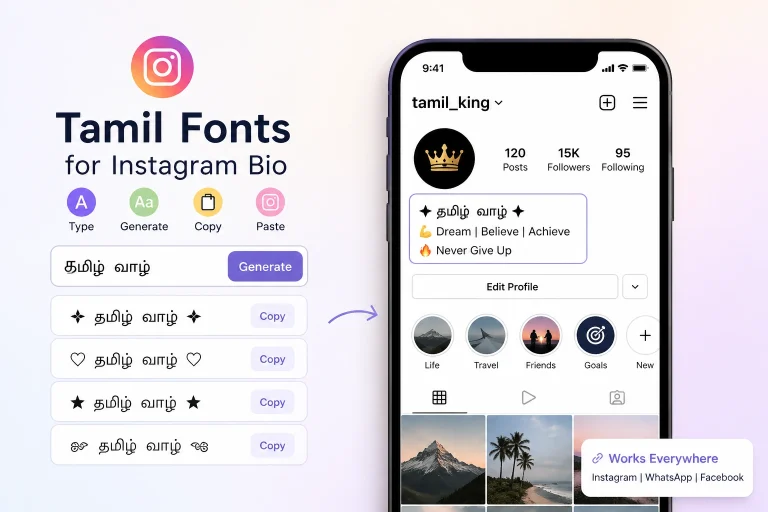
You are not sending a font. You are sending styled characters that the receiver’s phone already knows how to display. This is the same Unicode technology that powers our Instagram Bio Tamil Fonts Generator — and it is exactly why Tamil stylish text works across every platform that accepts text input, not just WhatsApp.
Exactly Where You Can Use This Tamil Stylish Text
This is not a WhatsApp-only tool. The same copy-paste Tamil styled text works across:
Messaging platforms:
- WhatsApp status and About (bio) section
- WhatsApp group names and descriptions
- WhatsApp messages for festivals, birthdays, and announcements
Social media:
- Instagram bio, username display, and captions
- Facebook profile name and posts
- Telegram username and bio
- Twitter / X display name
Other platforms:
- YouTube channel description
- Gaming nicknames — BGMI, Free Fire, PUBG, COD Mobile
- Discord username
- LinkedIn headline (for creative professionals)
One generator. Every platform. Zero setup.
How to Use This Tamil Stylish Text Generator — Step by Step
Step 1: Type your Tamil text in the generator above
Step 2: See multiple style variations generated in real time Step 3: Preview the styles side by side Step 4: Tap the one-click copy button next to your preferred style Step 5: Open WhatsApp → Status / About / Group Name → Paste → Done
Total time from typing to pasting: under 60 seconds.
6 Tamil Stylish Text Styles for WhatsApp — With Real Examples
Not every occasion needs the same style. Here are the six most effective categories with actual examples you can use right now.
1. Minimal Styles — For Everyday Status
Clean, readable, works for any update. This style consistently performs well because it is easy to read at a glance.
✦ தமிழ் ✦
- வாழ்க்கை •
தமிழன் ♡
Best for: personal status, daily updates, simple identity lines.
2. Attitude Styles — For Strong Personal Statements
High-energy formatting. Popular among young Tamil users for profile bios and strong status updates.
⚡ தமிழ் பையன் ⚡
😎 Born to Win 😎
🔥 என் வழி என் விதி 🔥
Best for: attitude status, gaming profiles, confidence-driven bios.
3. Love and Relationship Styles — For Couple Statuses
Soft symbols and romantic formatting. One of the highest-searched Tamil WhatsApp status categories.
♡ என் உலகம் ♡
💍 Forever Together
❤️ காதல் வாழ்க்கை
Best for: couple profiles, anniversary updates, relationship status.
4. Friendship Styles — For Group Names and Friend Statuses
Warm, expressive formatting that works in group names and dedicated friend statuses.
🤝 நண்பர்கள் என் பலம்
👑 என் குழு என் உலகம்
💪 Best Friends — Always
Best for: WhatsApp group names, friendship day status.
5. Festival and Occasion Styles — For Seasonal Updates
Festive formatting with relevant symbols. Tamil users update status actively during Pongal, Diwali, Tamil New Year, and birthdays.
🌺 இனிய தமிழ் புத்தாண்டு நல்வாழ்த்துகள்
🌾 பொங்கல் திருநாள் வாழ்த்துக்கள்
✨ Happy Diwali தமிழ் நண்பர்களுக்கு
Best for: seasonal updates, festival greetings, occasion-based status.
6. Motivational and Spiritual Styles — For Morning Updates
Calm, purposeful formatting. Motivational Tamil status updates see high views because contacts tend to read them fully.
🌟 வேலை செய் வெற்றி பெறு
🙏 கடவுள் துணை
✨ Dream Big. Work Harder.
Best for: morning status, motivational quotes, devotional updates.
Ready-to-Copy Tamil WhatsApp Status Ideas
Use these directly — no editing needed. Paste them as-is or modify with the generator above.
Love:
உன் நினைவில் வாழ்கிறேன் ❤️
காதல் தான் வாழ்க்கை 💍
இதயம் ஒருவருக்கே ♡
Attitude:
நான் தனி ரகம் 🔥
Silent but Powerful 😎
என் போக்கு என் விருப்பம் ⚡
Friendship:
நண்பர்கள் என் பலம் 🤝
Real ones stay forever ❤️
என் குழு — என் உலகம் 👑
Motivational:
வேலை செய் வெற்றி பெறு 💪
No shortcuts. No regrets. 🔥
Future loading... ⏳
Spiritual:
கடவுள் நம்பிக்கை 🙏
யாவும் நலமே 🌺
Trust the process ✨
The One Mistake That Makes Tamil WhatsApp Status Look Unprofessional
The single most common mistake is overloading symbols.
More decoration does not mean more style. It means less readability — and readability is the entire point of a status.
Compare:
Overloaded: ✦★♡⚡தமிழ்⚡♡★✦꧁꧂ Clean: ✦ தமிழ் ✦
The second version communicates style and identity in under one second. The first requires the reader to decode it — and most people will not bother.
The principle: one or two symbols maximum, placed to frame the text rather than bury it. That combination consistently outperforms complex decorative styles.
Does Tamil Stylish Text Display Correctly on Every Phone?
Modern devices (last 4-5 years): Yes, fully supported — both iPhone and Android.
Older Android devices: Some complex Unicode combinations may appear as empty boxes. This happens with heavily decorative styles. Minimal styles — standard Tamil characters with one or two common symbols — render correctly on virtually every device, including older ones.
The receiver’s phone matters too. Your status may render slightly differently on someone else’s older device. If compatibility across all devices is important, use minimal styles and common Unicode symbols like ♡ ★ ✦ ⚡ 🔥 — these are universally supported.
Tamil Stylish Text vs Downloadable Tamil Fonts — What Is the Actual Difference?
This is one of the most searched and most misunderstood topics in Tamil typography.
Tamil stylish text generator (this tool):
- Works in your browser — no installation
- Generates Unicode text you can copy and paste
- Displays correctly on every platform that supports text
- Free, instant, mobile-friendly
- Correct tool for: WhatsApp, Instagram, Facebook, gaming nicknames
Downloadable Tamil fonts (.ttf / .otf files):
- Font files installed on a computer or device
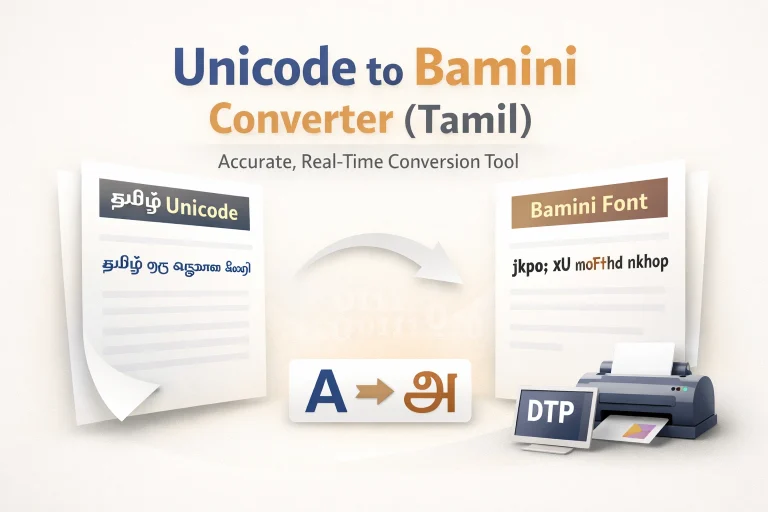
- Used inside design software — Photoshop, Canva, Word, InDesign
- The styled text cannot be copy-pasted into WhatsApp
- Required for: logo design, print materials, posters, professional design work
Simple rule: If you are styling text for a social media platform or messaging app, use the online generator. If you are designing a poster, logo, or printed document, download a font file.
Trying to use a downloaded font file for WhatsApp styling will not work — and trying to use a stylish text generator for professional design work will produce incorrect results.
Frequently Asked Questions
Does Tamil stylish text work in WhatsApp group names? Yes. WhatsApp group names fully support Unicode Tamil text. Use the same copy-paste process — generate, copy, paste when editing the group name.
Why does my styled status look different on my friend’s phone? Different phones and operating systems render Unicode characters at slightly different visual weights and sizes. This is normal. If consistency matters, use minimal styles — they render uniformly across devices.
Can I use the same text on Instagram and Facebook? Yes. Unicode Tamil stylish text is platform-independent. The same text works on Instagram bio and captions, Facebook profile name and posts, Telegram, YouTube, and Discord.
Is there a character limit for WhatsApp status? WhatsApp status supports up to 700 characters. The About section (bio) supports up to 139 characters. Keep styled text short — one to three lines performs best in both sections.
Will stylish text in my status affect how WhatsApp delivers my messages? No. WhatsApp delivers Unicode text the same way it delivers standard text. Stylish characters in your status or bio have no effect on message delivery or encryption.
Do I need to create an account to use this generator? No. This tool is completely free, requires no sign-up, and stores no data. Type, copy, and paste — that is the entire process.
Is Tamil stylish text safe to use on business WhatsApp profiles? It depends on your brand. For personal businesses, creative businesses, and local services targeting Tamil audiences — yes, a minimal stylish text bio can reinforce cultural identity. For formal corporate profiles, standard Tamil text is more appropriate.
Final Thoughts
Tamil stylish text for WhatsApp is not about making your status look fancy. It is about making it communicate faster and feel more personal.
The profiles and statuses that stand out are not the most decorated ones. They are the ones that communicate who you are — in one line, with one clear style, in under two seconds.
Type your Tamil text above. Generate a few styles. Choose the one that actually feels like you — not the fanciest option, but the one that reads like your voice.
That version will always perform better.