Tamil Font for Photoshop
Create stylish Tamil text for Photoshop that you can copy and paste instantly.
Tamil is one of the oldest living languages in the world. Millions of people speak it across India, Sri Lanka, and beyond. As digital design grows, more creators want to include Tamil text in their work. If you use Adobe Photoshop for designing posters, thumbnails, banners, or social media graphics, knowing how to work with a tamil font for photoshop is a skill worth having.
This guide covers everything you need — from picking the right font to fixing common issues. Whether you are a total beginner or someone who has struggled with broken Tamil characters before, this article will help you get it right.
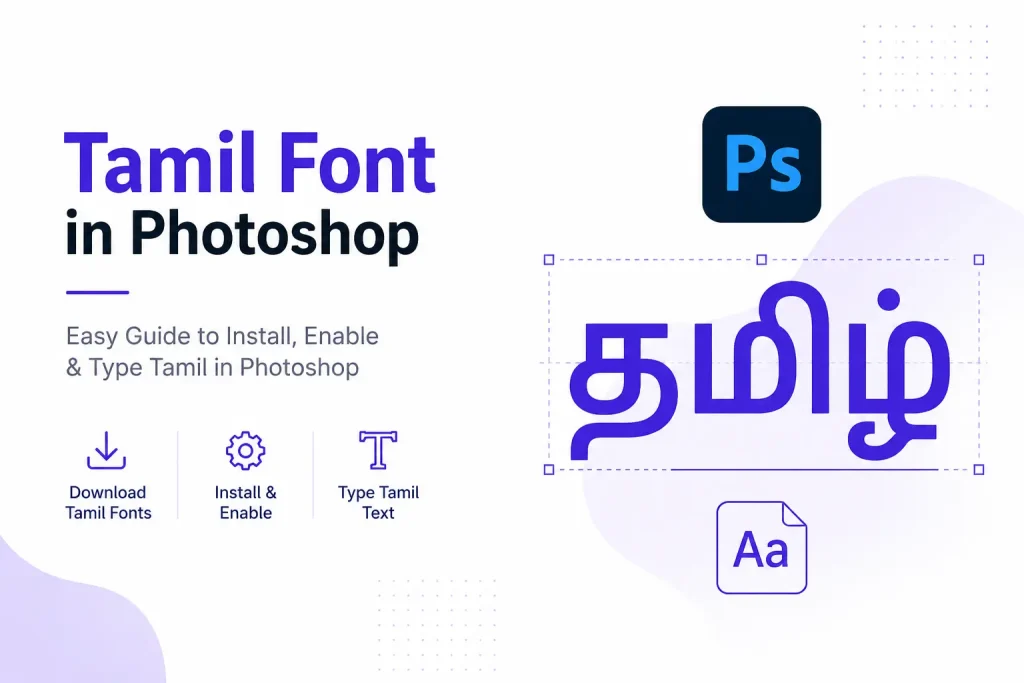
Why Tamil Fonts Need a Special Setup in Photoshop
Most people assume Tamil fonts work just like English fonts in Photoshop. They download a font, install it, and expect it to work. But that is rarely the case.
Tamil is a complex script. Its characters join and change shape depending on the letters around them. Photoshop uses a text engine to handle this. By default, that engine is built for Latin scripts like English. It does not render Tamil properly without a setting change.
This is why so many users see boxes, random symbols, or disconnected characters when they try to type in Tamil. It is not a font problem. It is a text engine problem — and it has a simple fix that most guides skip over.
Best Tamil Fonts for Photoshop (Free Download)
Before anything else, you need the right font. Not every Tamil font works well in Photoshop. Choosing the wrong type leads to display errors and wasted time.
Unicode Tamil Fonts (Recommended)
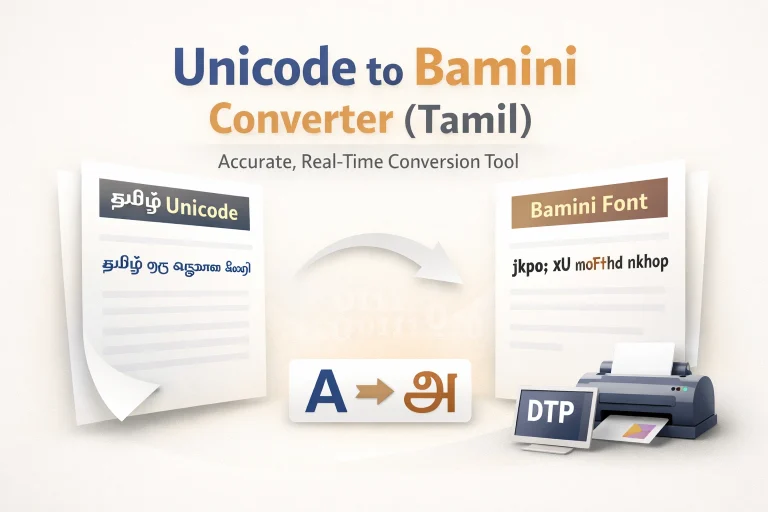
Unicode fonts are the modern standard. They follow a universal encoding system, which means they work across different software, devices, and operating systems without breaking.
Some reliable Unicode Tamil fonts for Photoshop include:
These fonts are free to download from Google Fonts or trusted Tamil font repositories. Always download in .TTF or .OTF format for Photoshop compatibility.
Decorative Tamil Fonts for Design Work
If you are creating movie posters, event banners, or YouTube thumbnails, a plain Unicode font may not give you the visual impact you need. Decorative Tamil fonts add personality and cultural character to your designs.
Fonts like STMZH, SR Tamil, and RGB Tamil are popular among designers. These are non-Unicode fonts but widely used for creative projects. Just keep in mind they require a slightly different setup, which is covered further below. If you design on mobile, our Picsart Tamil fonts guide is worth checking out too.
How to Install Tamil Font in Photoshop (Windows & Mac)
Installing a tamil font for photoshop is the same process as installing any other font on your system. Photoshop reads fonts directly from your operating system’s font library.
On Windows:
On Mac:
Once installed, your Tamil font will appear in Photoshop’s font dropdown list. If it does not show up, close and reopen Photoshop completely.
How to Enable Tamil Text in Photoshop (Critical Step)
This is the step most beginners miss — and it is the most important one. Without this change, even a correctly installed tamil font for photoshop will not render properly.
For Photoshop CC 2019 and Earlier
In some older versions, this option may appear as World-Ready Layout instead.
For Photoshop CC 2020–2024
This single setting unlocks proper Tamil rendering in Photoshop. Without it, characters will appear broken or out of order regardless of which font you use.
How to Type Tamil Text in Photoshop
Once the text engine is set correctly and your font is installed, knowing how to use tamil font in photoshop comes down to a few simple steps.
- Open your Photoshop canvas
- Select the Type Tool (T) from the toolbar
- Click on the canvas to create a text layer
- In the font dropdown at the top, search for your Tamil font by name
- Select it and start typing
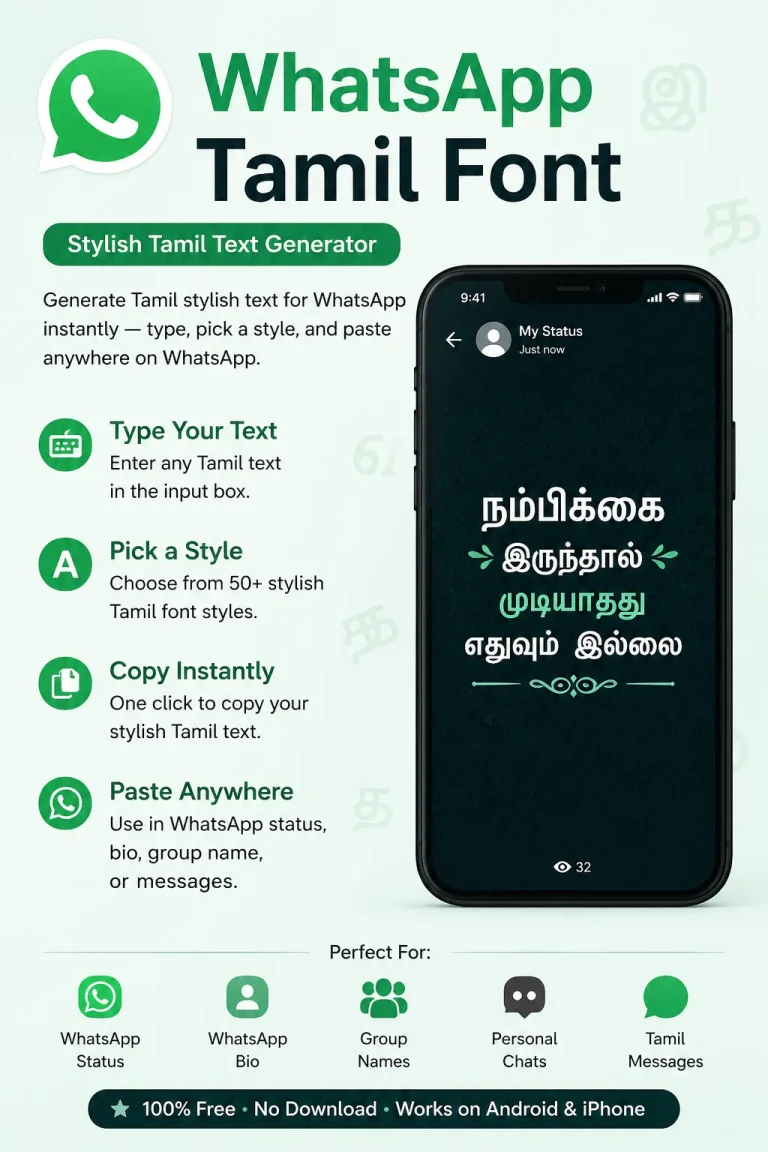
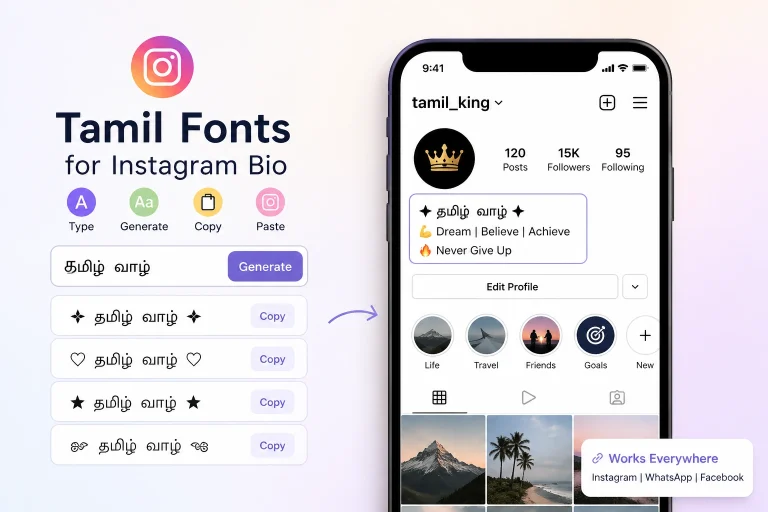
If you do not have a Tamil keyboard layout set up, do not worry. You can type your text using a free online Tamil typing tool, then copy and paste it directly into Photoshop. The text will display correctly as long as your font and text engine are properly configured.
You can then adjust size, color, letter spacing, and apply layer effects just like any other text in Photoshop.
Tamil Font Showing Boxes or Wrong Characters? Fix It Here
This is one of the most common complaints from users working with tamil font in photoshop. You type something and instead of Tamil letters, you see small boxes or random symbols.
Here is how to fix it:
Problem 1: Boxes or squares instead of Tamil text
→ The text engine is still set to Latin. Go to Preferences → Type and switch to Middle Eastern and South Asian. Restart Photoshop.
Problem 2: Characters appear disconnected or out of order
→ You are likely using a Unicode font but the wrong text engine. Apply the fix above. Also make sure you are not using a legacy font with Unicode input — they are not compatible.
Problem 3: Font not appearing in Photoshop’s font list
→ The font may not have installed correctly. Reinstall it and restart Photoshop. On Windows, try installing as administrator.
Problem 4: Text types right to left
→ Click on Type → Language Options in the top menu. Make sure Left-to-Right Character Direction is checked.
Most issues with tamil font for photoshop come down to one of these four problems. Once you resolve them, Tamil text will display exactly as it should.
FAQs
Conclusion
Using a Tamil font in Photoshop is easier than it looks. Once you install the right font and configure Photoshop correctly, you can create posters, thumbnails, social media graphics, and other designs with clear, professional-looking Tamil text. Starting with a Unicode font is the easiest way to avoid compatibility issues and ensure your text displays properly.
As you gain experience, you can experiment with decorative Tamil fonts to match different design styles. If you run into display or typing problems, the troubleshooting steps above should help you fix them quickly. With the right setup, creating high-quality Tamil designs becomes a smooth and straightforward process.